> For the complete documentation index, see [llms.txt](https://docs.zofinance.io/llms.txt). Markdown versions of documentation pages are available by appending `.md` to page URLs; this page is available as [Markdown](https://docs.zofinance.io/s-rewards/s-card/using-your-s-card.md).
# Using Your S Card
### Link Your S Card To Earn Fee Reabtes
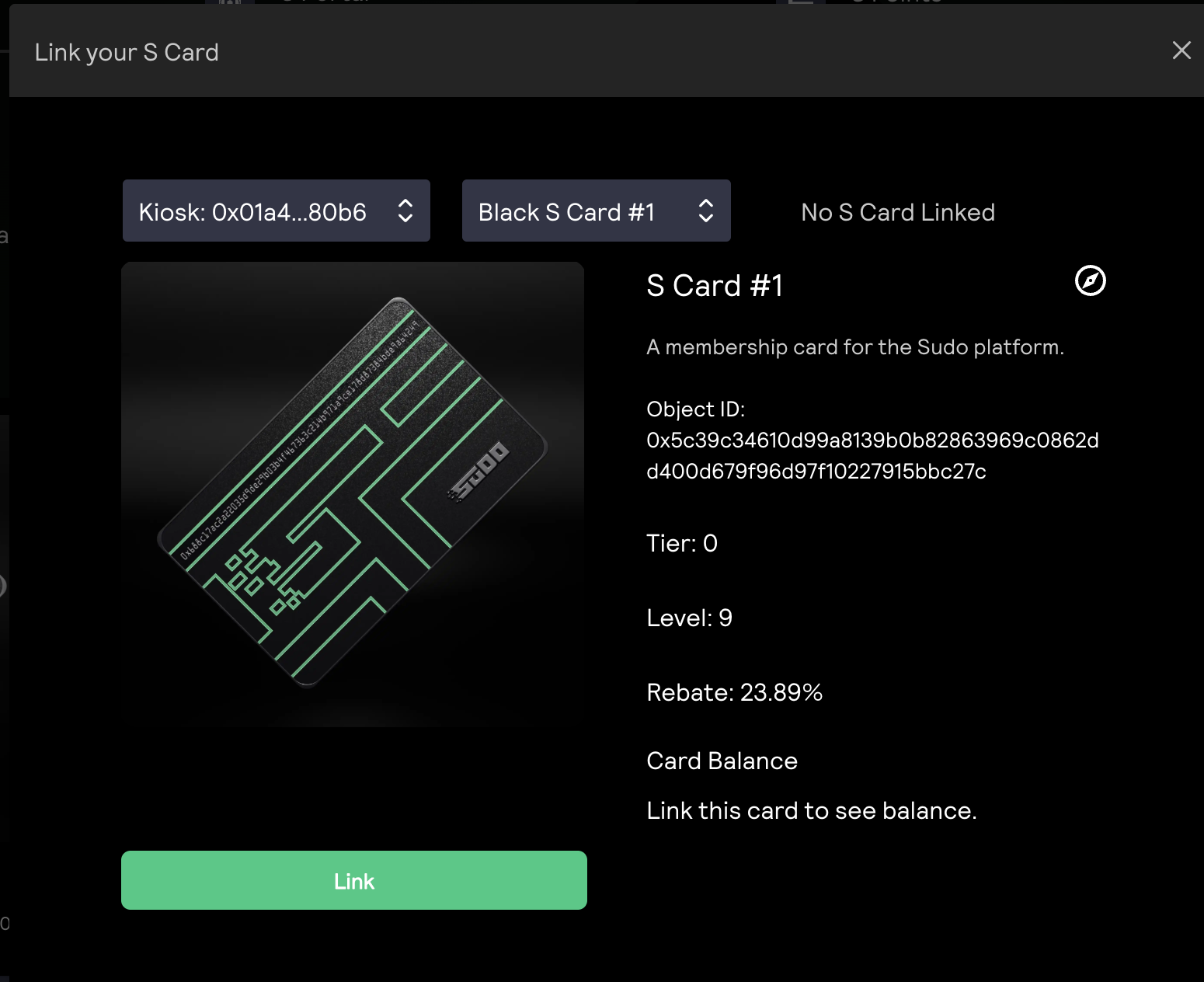
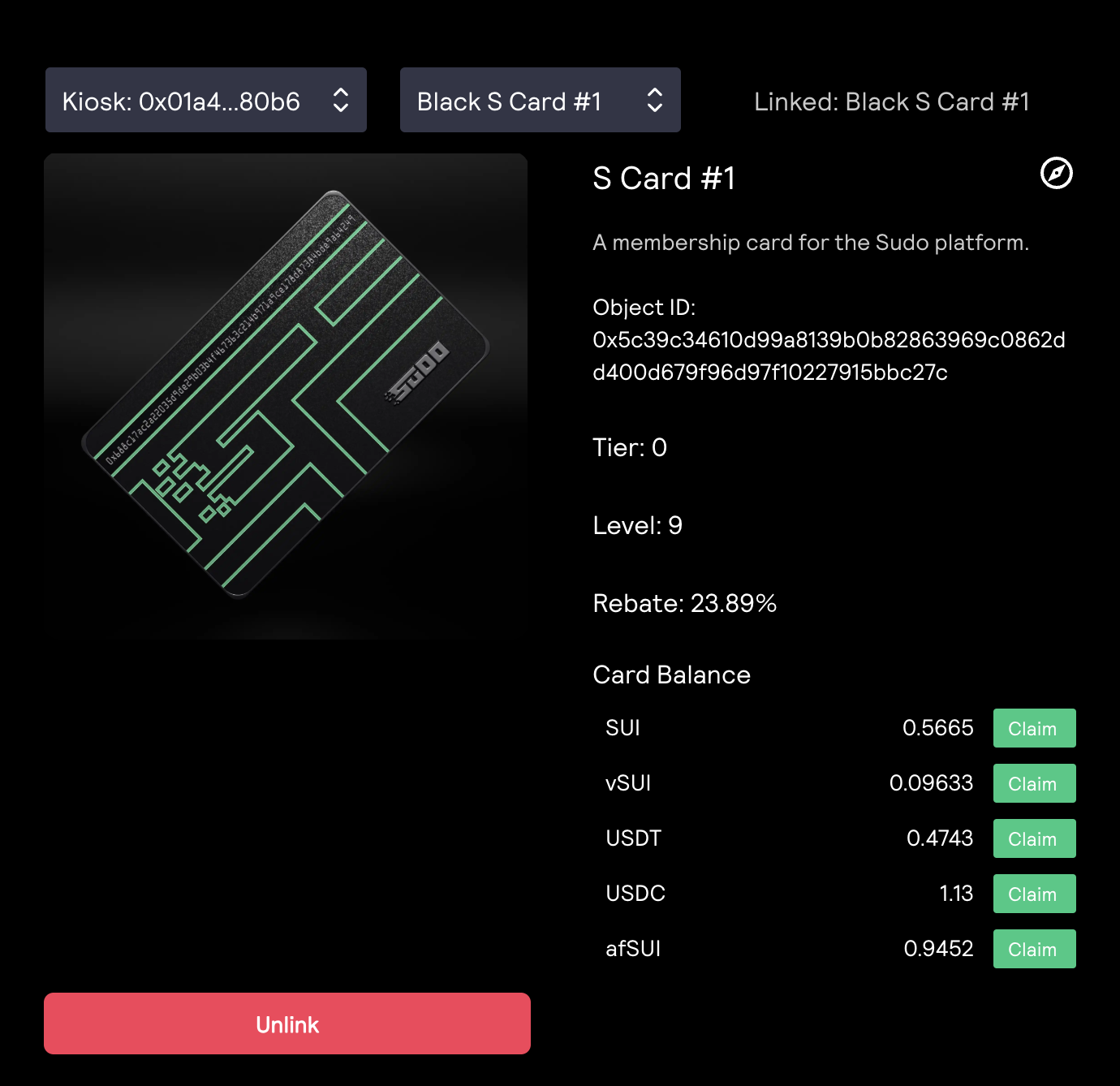
Once you have obtained a s card, use it in your trades! You can open the S Card Link Modal by clicking the "⛓️💥 S Card" button on the right side of wallet connect button.
Open the Modal, and find the card you want to link to your trades
Link S Card Modal
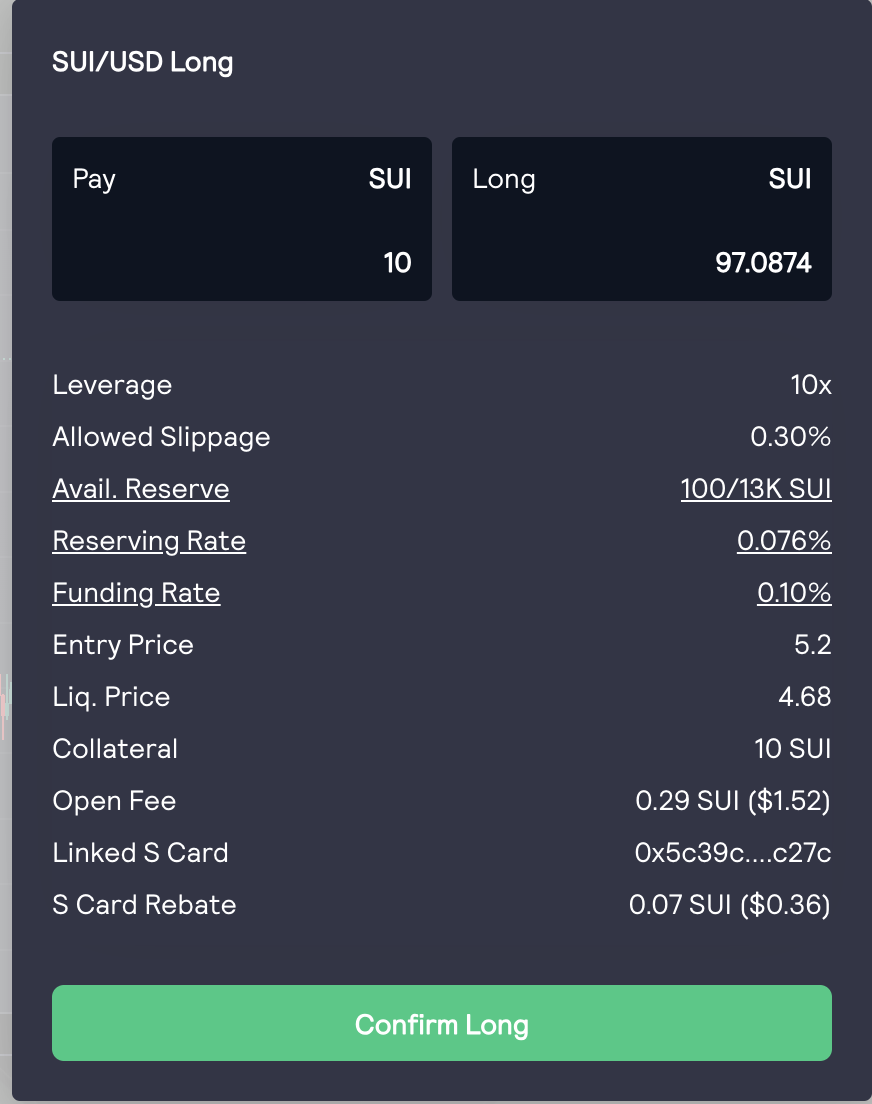
Once a S Card is linked, you can preview rebates in position open modal on the last two rows:
S Card Linked in Position Open Modal
### Level up your S Card for Higher Rebates
You can use your claim points onto S Card and level up your card for higher fee rebates and other privileges.
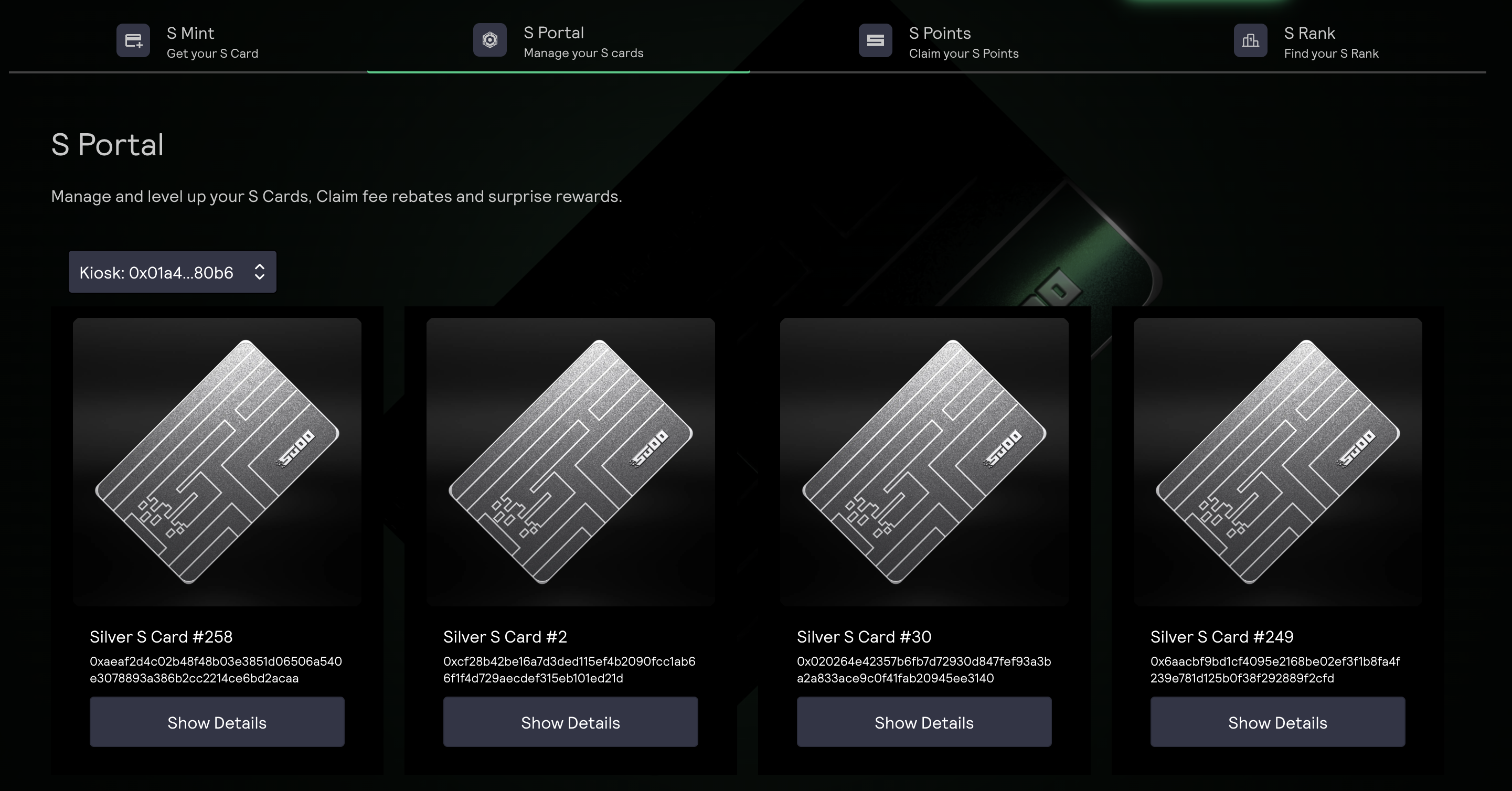
Go to S Portal and select a card you want to manage
S Portal
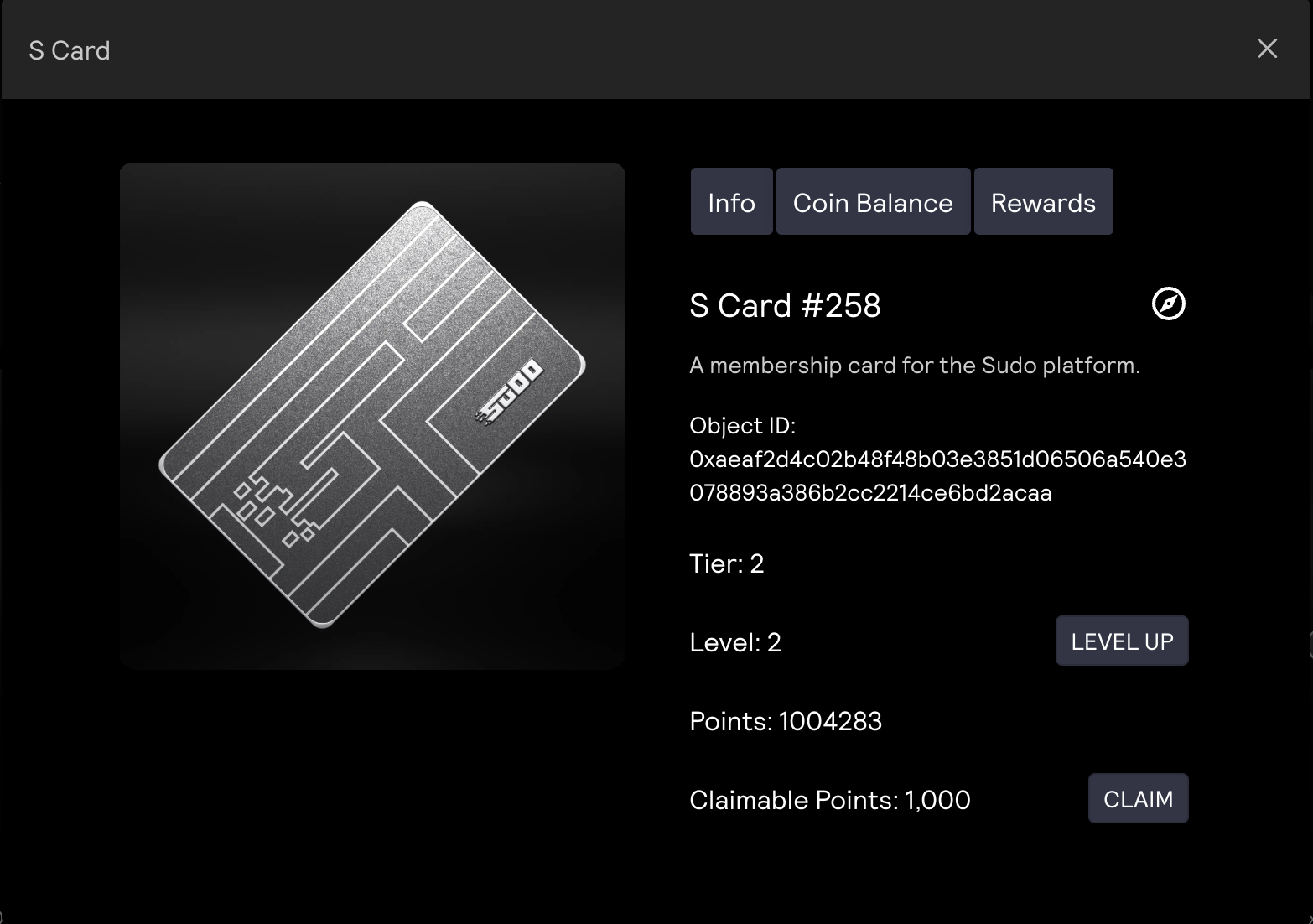
Click on "Show Details"
S Card Details
Click on "Level Up" to upgrade your S Card
###
### Claim Fee Rebates
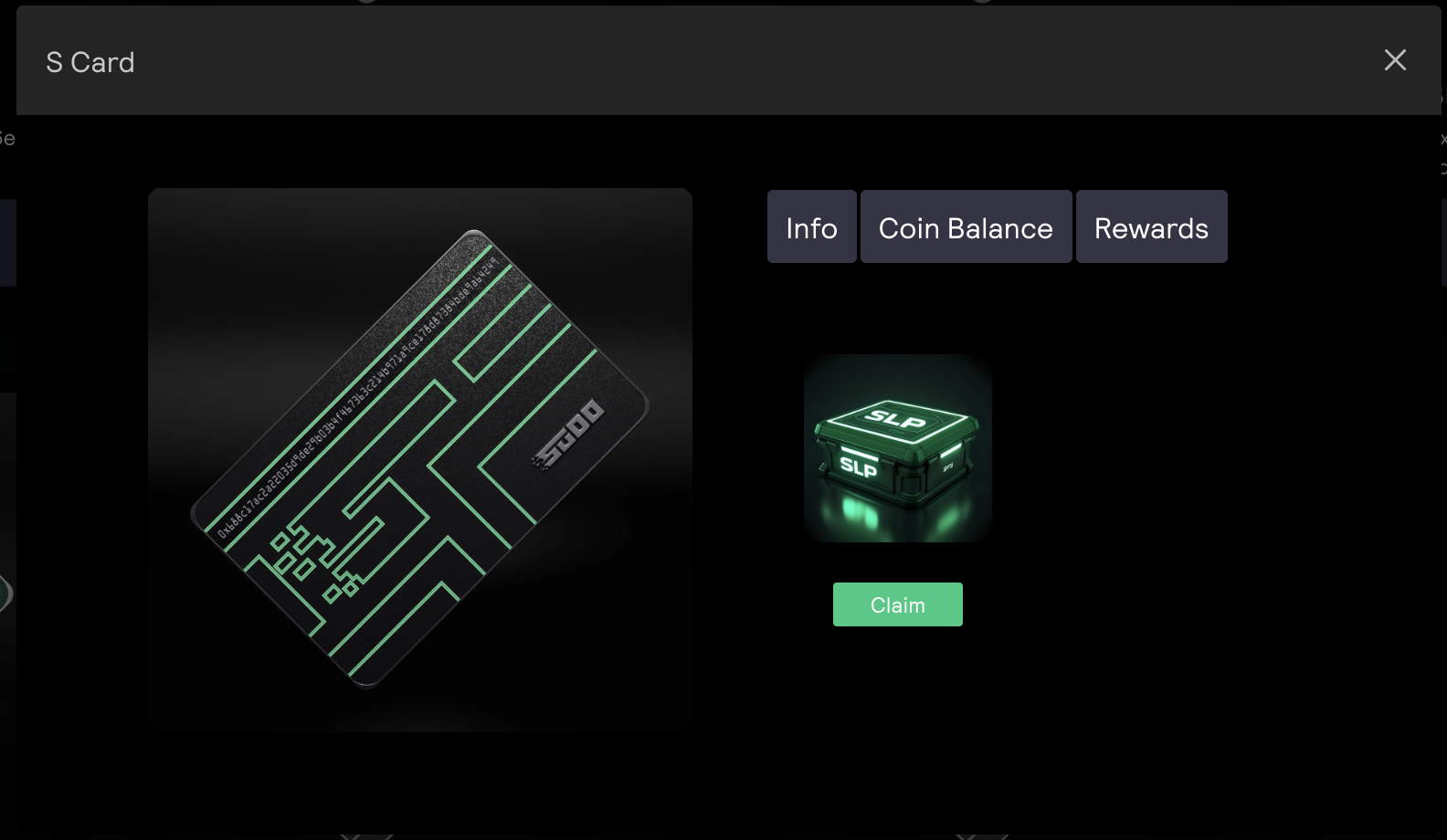
You can claim fee rebates from "Link Your S Card" Modal and S Card Modal in S Portal. Simply click "Claim" button next to the token you want to claim.
Link Your S Card Modal
### Claim Rewards
We issue rewards to S Card holders occasionally in the form of Lootbox. Simply go to S Card Modal in S Portal, find "Rewards" tab, and claim lootboxes!